

Install the Tomato.gg mod
Install or update Tomato.gg directly in your World of Tanks folder. No manual downloads required.
Close World of Tanks, then select its installation folder.
World of Tanks folder detected
Installation directory
Loading the mod bundle…
Error details
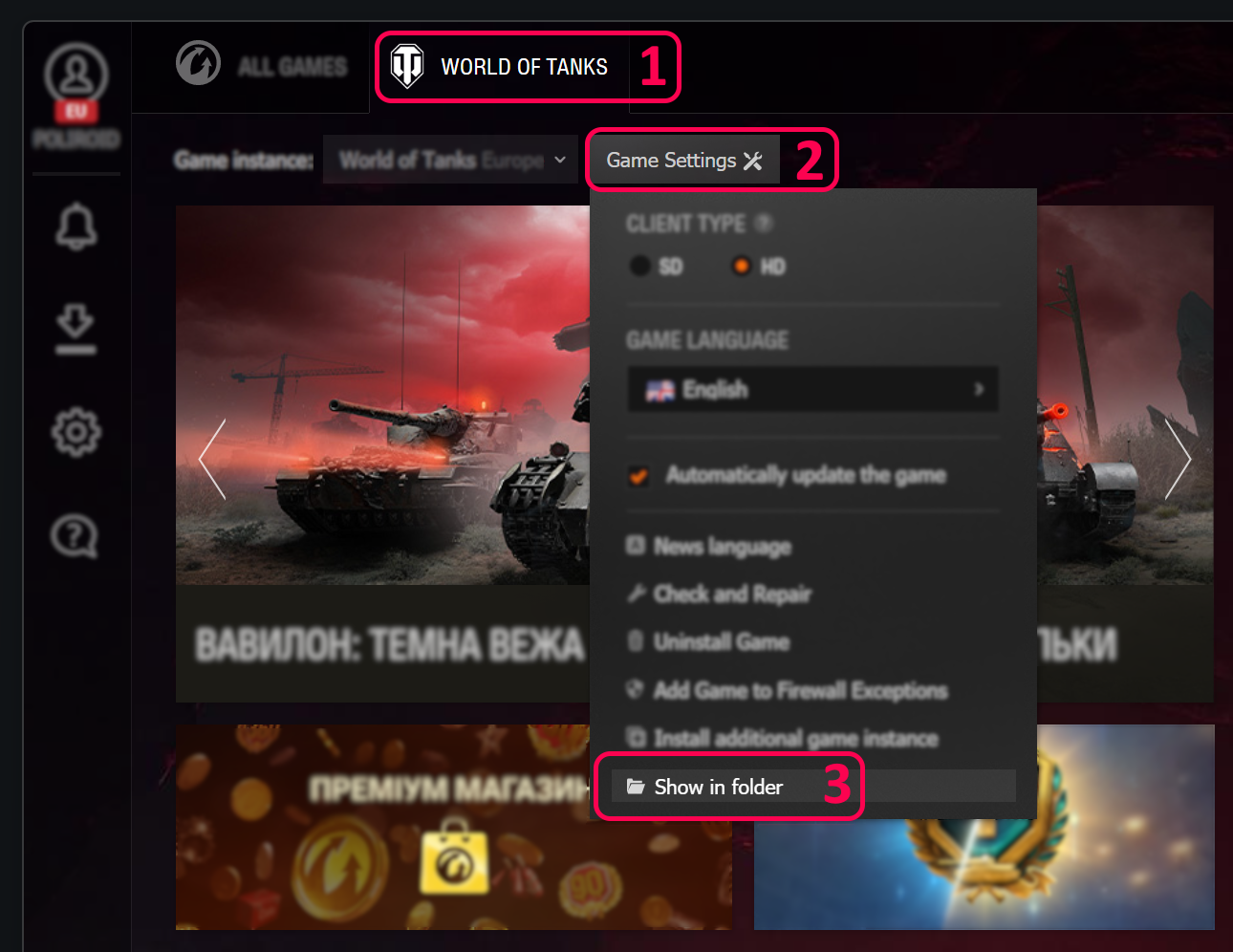
How to find the game installation folder
In Wargaming Game Center, select World of Tanks, open Game Settings, then click Show in folder. Select that same folder when prompted here.
Manual installation (advanced)
Download the files into mods/<game version>/ inside your game folder.
Loading files…